

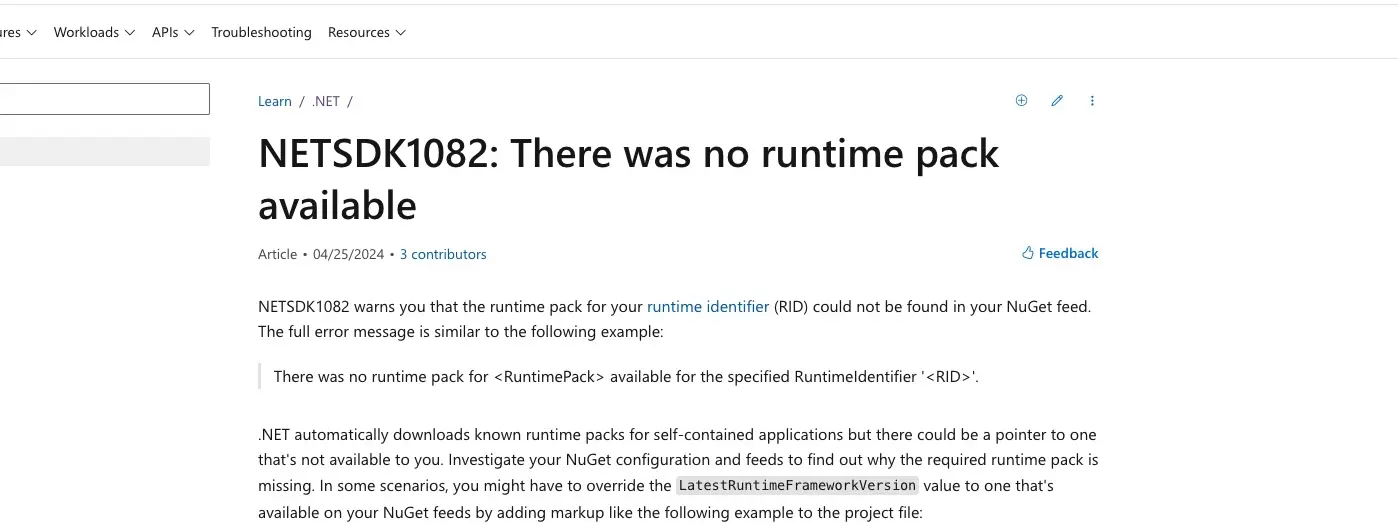
NETSDK1082 Error: Resolving .NET Project Issues in WebAssembly Projects
How to fix the NETSDK1082 error in .NET WebAssembly and Blazor projects caused by NuGet package conflicts. Step-by-step solution with project layer reorganization.
Resolving .NET Project Issues: Fixing Runtime Pack Errors in WebAssembly Projects
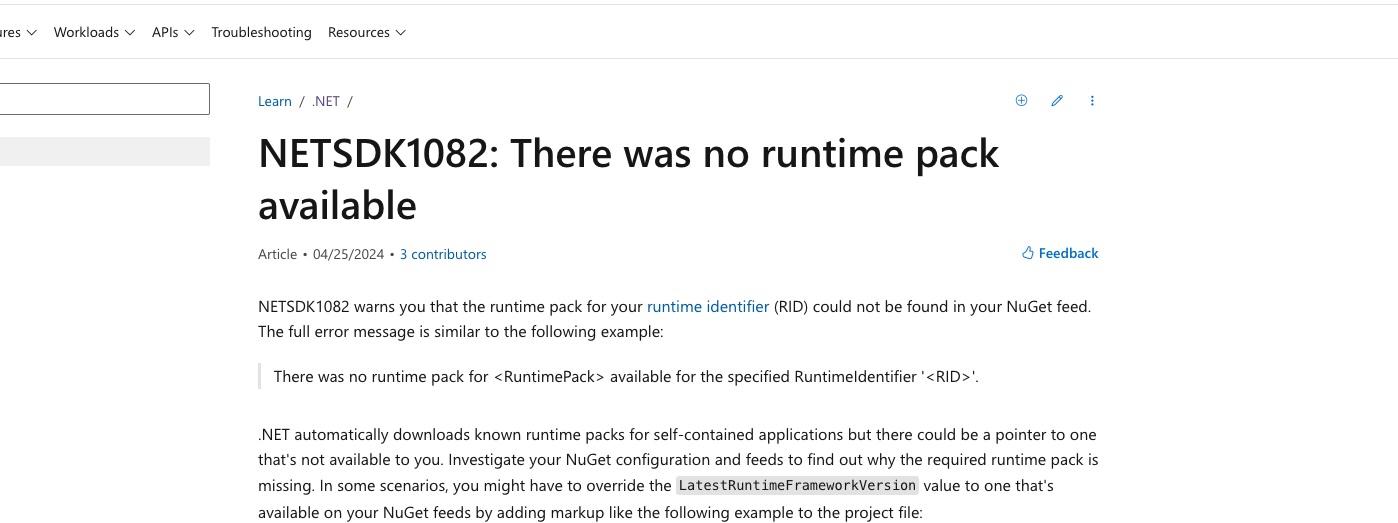
Introduction
As a developer, integrating multiple project layers and dependencies can sometimes lead to complex issues, especially when dealing with WebAssembly (Wasm) in .NET. Recently, I encountered an error while setting up a project from another developer, which highlighted the importance of understanding project references and package dependencies. This post will walk through the problem and the solution to help you avoid similar issues in your projects.
The Problem
The error encountered was:
NETSDK1082: There was no runtime pack for Microsoft.AspNetCore.App available for the specified RuntimeIdentifier 'browser-wasm'.
/usr/local/share/dotnet/sdk/8.0.301/Sdks/Microsoft.NET.Sdk/targets/Microsoft.NET.Sdk.FrameworkReferenceResolution.targets(491,5): error NETSDK1082: There was no runtime pack for Microsoft.AspNetCore.App available for the specified RuntimeIdentifier 'browser-wasm'.
This error indicates that the required runtime pack for Microsoft.AspNetCore.App was not available for the specified runtime identifier browser-wasm. The NETSDK1082 error and its context can be misleading, making it difficult to identify the root cause.
Understanding the Error
The .NET SDK error NETSDK1082 typically indicates a problem with the runtime pack compatibility. When working with WebAssembly, the browser-wasm runtime identifier is used, which is specific to the Blazor WebAssembly environment. The key issue here was referencing an assembly that is not compatible with the WebAssembly runtime.
Case Study: Specific Problem and Solution
Project Setup
In this example, the project setup included:
- WebAssembly Client (MyProject.WasmClient)
- Web API Layer (MyProject.WebApi)
- Infrastructure Layer (MyProject.Infrastructure)
The Web API layer had a dependency on the Microsoft.AspNetCore.Identity.UI package, which is intended for server-side applications and not compatible with the WebAssembly runtime.
Steps to Resolve
1. Identify and Remove Incompatible References:
- The Web API project referenced
Microsoft.AspNetCore.Identity.UI, causing the error. This package is not intended for WebAssembly projects. - Move this dependency to a layer where it is appropriate, such as the Infrastructure layer.
2. Create a Clean WebAssembly Project:
- Create a new WebAssembly project and add references one by one to identify problematic dependencies.
3. Understand and Use Appropriate Runtime Identifiers:
- Ensure that dependencies in WebAssembly projects are compatible with
browser-wasm.
Generalized Solution
Step-by-Step Guide
1. Check Project References:
- Use the terminal command
dotnet list package --project <YourProjectName>to list installed packages. - Ensure WebAssembly projects do not reference server-side packages.
2. Review and Adjust Dependencies:
- Remove or relocate packages that are not suitable for the WebAssembly runtime.
3. Test in Isolation:
- Create a clean project and incrementally add references. This helps isolate problematic dependencies.
4. Understand Runtime Identifiers:
- Familiarize yourself with runtime identifiers and their compatibility (e.g.,
browser-wasmfor Blazor WebAssembly).
5. Use Compatibility Tools:
- Utilize tools like .NET Portability Analyzer to identify compatibility issues with different runtimes.
Conclusion
Proper management of project references and dependencies is crucial for maintaining a functional multi-project setup, particularly when working with WebAssembly in .NET. By ensuring that projects reference appropriate packages and isolating incompatible dependencies, you can avoid runtime pack errors and streamline your development process.
Error Details:
Error Code: NETSDK1082
Error Message: /usr/local/share/dotnet/sdk/8.0.301/Sdks/Microsoft.NET.Sdk/targets/Microsoft.NET.Sdk.FrameworkReferenceResolution.targets(491,5): error NETSDK1082: There was no runtime pack for Microsoft.AspNetCore.App available for the specified RuntimeIdentifier 'browser-wasm'.
Key Takeaways
- ✅ WebAssembly projects require specific runtime identifiers (
browser-wasm) - ✅ Server-side packages like
Microsoft.AspNetCore.Identity.UIare not compatible with WebAssembly - ✅ Isolate dependencies by testing in clean projects
- ✅ Use proper layering to separate server and client concerns
- ✅ Check package compatibility before adding references
Thanks a ton, @Alper Tunga, for your invaluable assistance in tackling this issue! Your insights were instrumental in resolving the problem. 🙏
Related Topics
- .NET SDK issues
- Blazor WebAssembly development
- NuGet package management
- Runtime pack conflicts
- ASP.NET Core configuration
- WebAssembly troubleshooting
Have you encountered similar .NET runtime errors? Share your experience in the comments below! 💬