

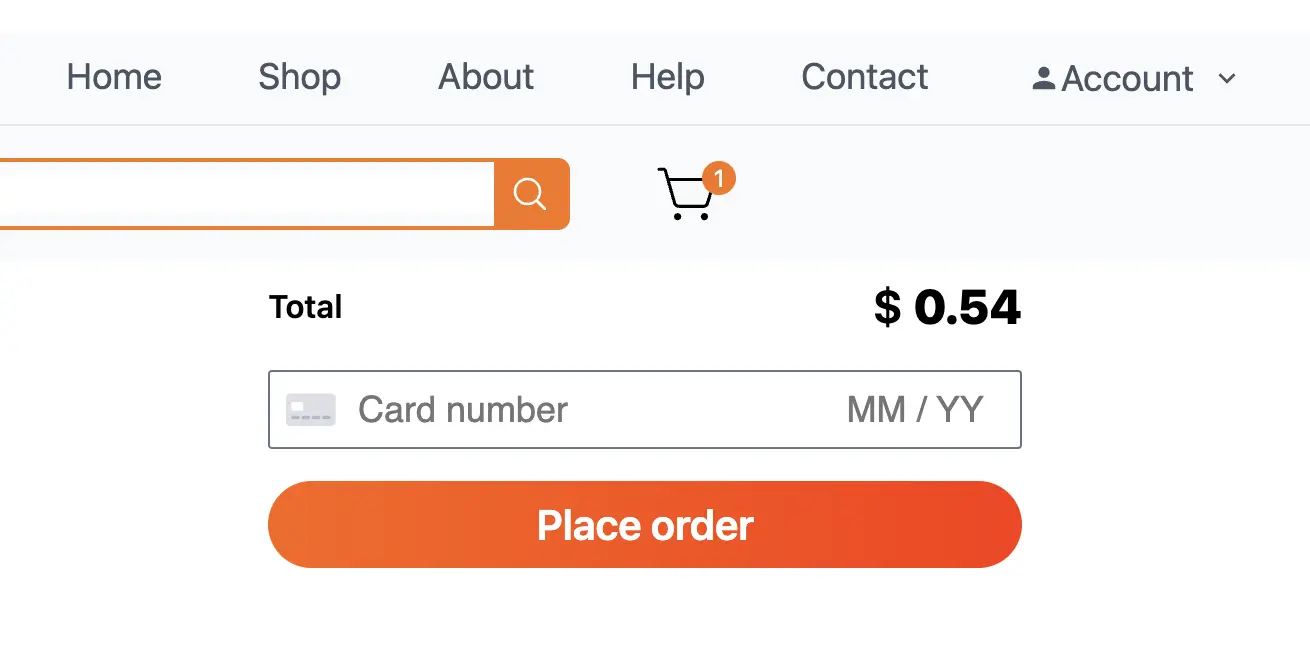
Web Development
How to Integrate Stripe Payments with Nuxt 3
Step-by-step guide to integrate Stripe payment processing with Nuxt 3. Covers Stripe API setup, environment variables, payment intents, and card element implementation.
AK
Aysegul Karadan
•5 min read
#stripe #nuxt #payments #tutorial #stripe-nuxt3 #how-to-integrate-stripe-nuxt #stripe-payment-nuxt3 #stripe-checkout-nuxt #nuxt3-payment-gateway #stripe-api-nuxt
How to Integrate Stripe Payments with Nuxt 3
Here's how to integrate Stripe payment processing into your Nuxt 3 application.
Step 1: Install Stripe Packages
npm install stripe
npm install @stripe/stripe-js
Step 2: Create Stripe Account & Get API Keys
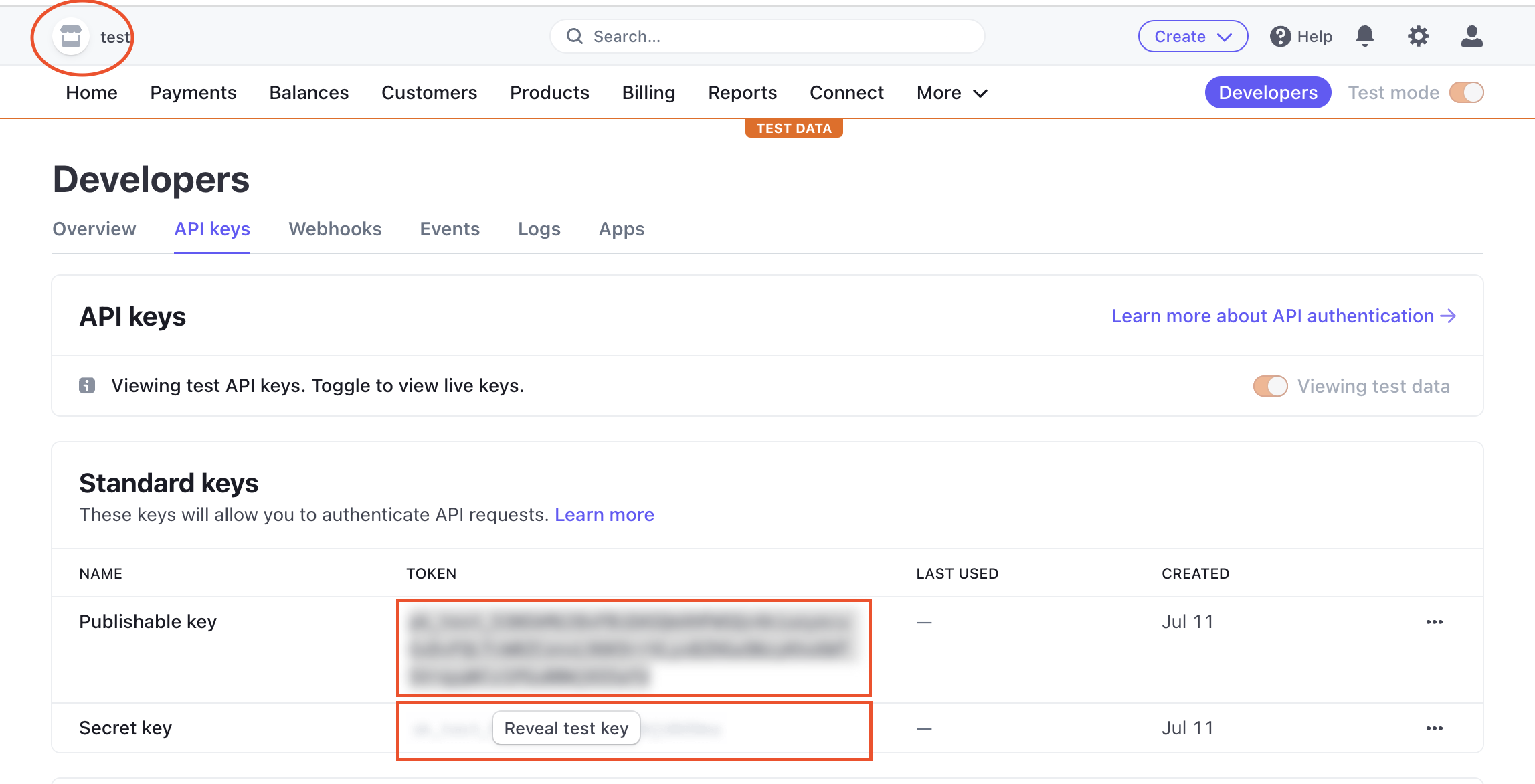
Go to stripe.com → Developers → API Keys. Copy the Publishable Key and Secret Key.
Step 3: Set Environment Variables
STRIPE_SECRET_KEY=your_stripe_secret_key
STRIPE_PUBLIC_KEY=your_stripe_public_key
Step 4: Create Payment Intent (server/api/stripe/paymentintent.js)
import { loadStripe } from '@stripe/stripe-js'

export default defineEventHandler(async (event) => {
  const body = await readBody(event)
  const stripe = require('stripe')(process.env.STRIPE_SECRET_KEY)
  return await stripe.paymentIntents.create({
    amount: Number(body.amount),
    currency: 'usd',
    automatic_payment_methods: { enabled: true },
  })
})
Step 5: Configure nuxt.config.ts
export default defineNuxtConfig({
  runtimeConfig: {
    public: {
      stripePk: process.env.STRIPE_PUBLIC_KEY,
    },
  },
  app: {
    head: {
      script: [{ src: 'https://js.stripe.com/v3/', defer: true }],
    },
  },
})
Step 6: Initialize Stripe on the Frontend
<script setup>
import { loadStripe } from '@stripe/stripe-js'

const stripeInit = async () => {
  const runtimeConfig = useRuntimeConfig()
  const stripe = await loadStripe(String(runtimeConfig.public.stripePk))

  const res = await useFetch('/api/stripe/paymentintent', {
    method: 'POST',
    body: { amount: total.value },
  })

  const clientSecret = res.data.value.client_secret
  const elements = stripe.elements()
  const card = elements.create('card', { hidePostalCode: true })
  card.mount('#card-element')
}
</script>
Conclusion
For a full working example, check out the AliExpress Clone project. Happy coding!